Login/Sign Up Sign Out
{{ messageCategory.totalUnreadNum }}
APSGO LOGO
{{ item.sku_info.spec_desc }}
{{ item.count }}x
Combination {{ combo.product.name }}
{{ combo.sku_info.spec_desc }}
x1
Total Price:
View Cart
No APPS available
{{ carts.count }}件
Cart
Home Overview VanDyke SecureCRT SSH Terminal Simulation Tool Software
VanDyke SecureCRT SSH Terminal Simulation Tool Software
-20% OFF!
VanDyke SecureCRT SSH Terminal Simulation Tool Software截图 VanDyke SecureCRT SSH Terminal Simulation Tool Software截图 VanDyke SecureCRT SSH Terminal Simulation Tool Software截图 VanDyke SecureCRT SSH Terminal Simulation Tool Software截图 VanDyke SecureCRT SSH Terminal Simulation Tool Software截图 VanDyke SecureCRT SSH Terminal Simulation Tool Software截图
Download
VanDyke SecureCRT SSH Terminal Simulation Tool Software
SecureCRT provides a solid terminal simulation for computing professionals, improving productivity through advanced session management and various ways to save time and simplify repetitive tasks. SecureCRT provides secure remote access, file transfer, and data tunneling for everyone in an organization.
Edition:
Lifetime
Expire:
1 Year Support 3 Years Support
* Purchase this specification to receive the following gifts : ( Buy 1 or more items and the offer is valid until stock lasts )
x {{ item.count }}
{{ info.promotion.title }}
Note: In seckill, once sold out, the original price will be restored!
Hurry! Limited-time offer ends soon!
Currently available last {{ sku.promotion_count }} items
{{ info.advancePromotion.title }}
Preview of seckill, event price: {{ info.advancePromotion.skus_infos[sku.sku].promotion_price }} CNY
The inventory available for seckill is {{ info.advancePromotion.skus_infos[sku.sku].promotion_count }} items
Retail Price
Specifications
Not Selected
Group Buying
There is currently no Group Buying available, please open a group
{{ item.spec_desc }}
{{ item.user.nickname }} In {{ item.created_at }} Start Still need {{ item.left_count }}x Pending Group Buying, some users have not paid
Join

Activity Rules

1、Activity time:{{ info.groupon.start_at }} ~ {{ info.groupon.end_at }}。

1、Activity time:cease when sold out。

2、Validity period of the Group Buying:{{ info.groupon.expire_days * 24 }} hours。

3、Number of Group Buying:{{ info.groupon.need_count }}x。

Please Pay Attention

1、Teamwork process: Join/initiate a Group Buying and make a successful payment - Within the validity period, the number of team members meets the activity requirements - Group Buying succeeded!

2、If the number of participants cannot be met within the valid period, the group will fail, and the paid amount will be refunded in the original way.

3、The number of people required and the time of the event may vary among different products. Please pay attention to the rules of the event.

{{ item }} ({{ app.qa.questionsData.total }})

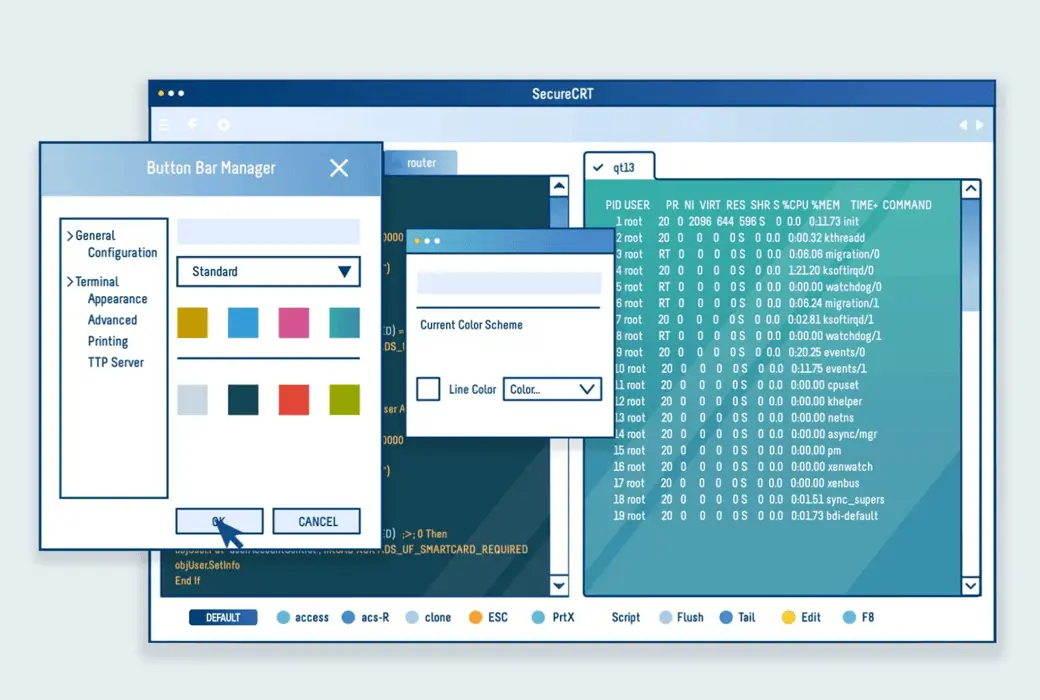
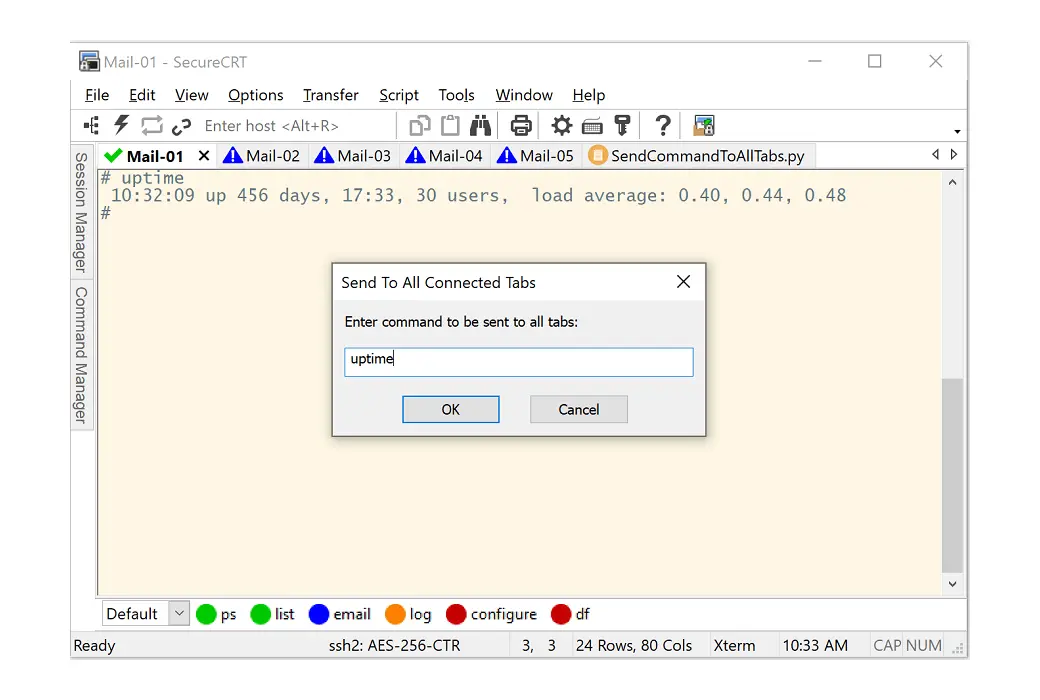
The SecureCRT client for Windows, Mac, and Linux provides computing professionals with robust terminal emulation, enhancing productivity through advanced session management and various time-saving and repetitive task-simplifying features. SecureCRT offers secure remote access, file transfer, and data tunneling for everyone in the organization.


Whether you're looking to replace Telnet or terminals, or need a more powerful secure remote access tool, SecureCRT is the application you can use all day long. With the reliable security of SSH, extensive session management, and advanced scripting capabilities, SecureCRT will help you increase your work efficiency to the nth degree.


Key Features


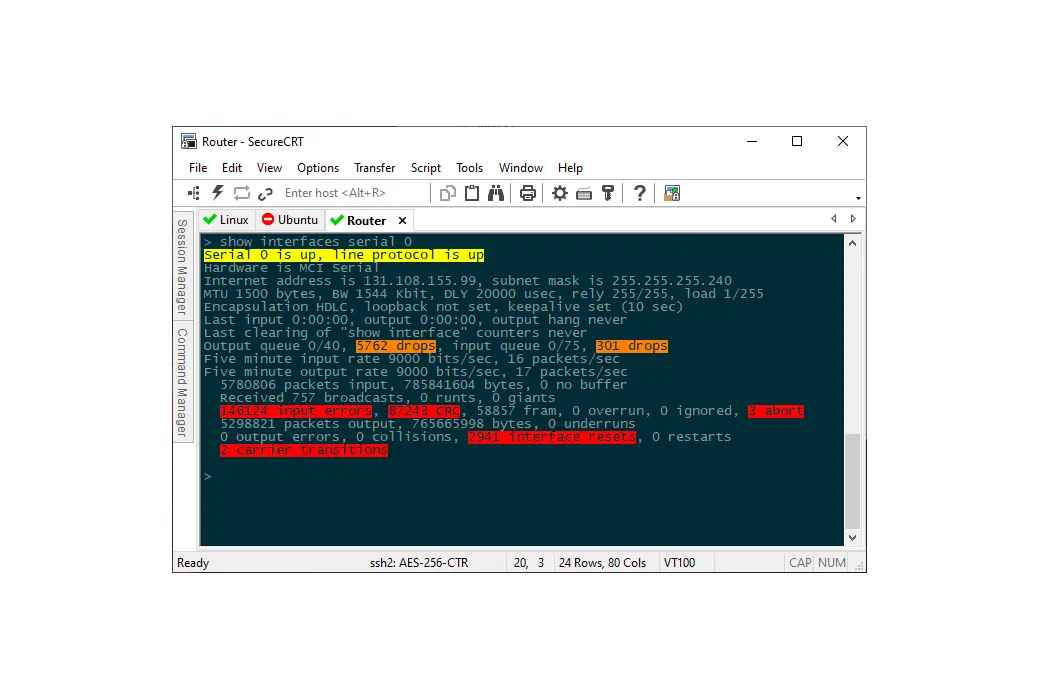
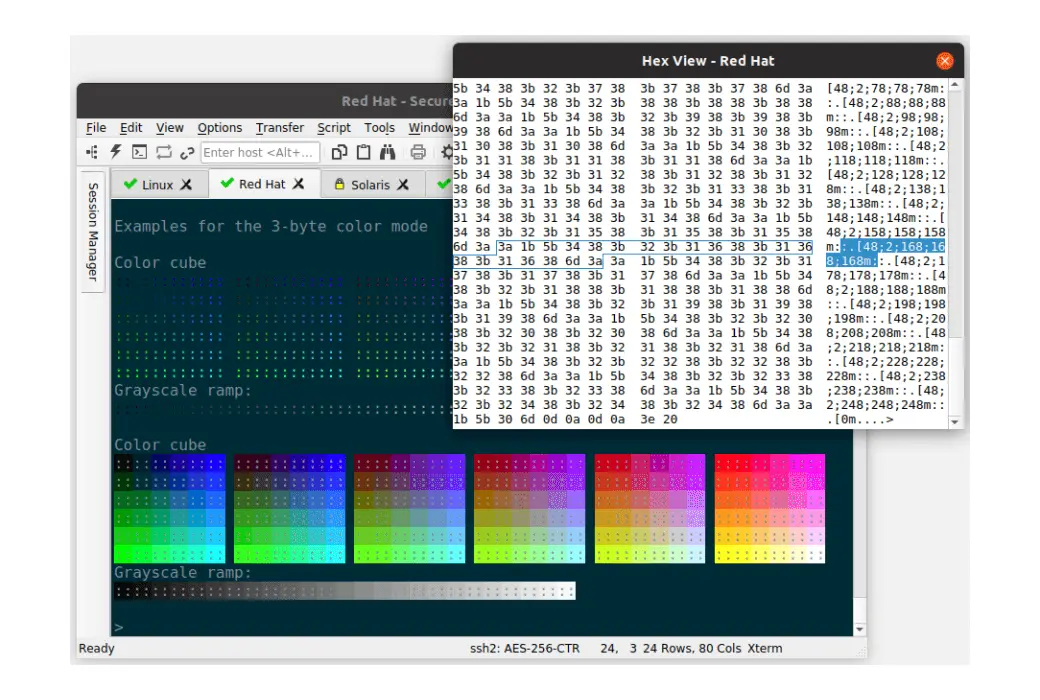
  1. Securely access business applications on UNIX, Linux, or VMS from computers running Windows, Linux, and Mac - Provides rich emulation support for VT100/102/220, TN3270, ANSI, SCO ANSI, Wyse 50/60, Xterm, and Linux consoles.
  2. Configure, manage, and organize all sessions with full control over scrolling, key mapping, colors, fonts, and more, whether you have one session or thousands.
  3. Access a complete network of devices from one client using SSH (SSH2, SSH1), Telnet, Telnet/TLS, Serial, and other protocols.
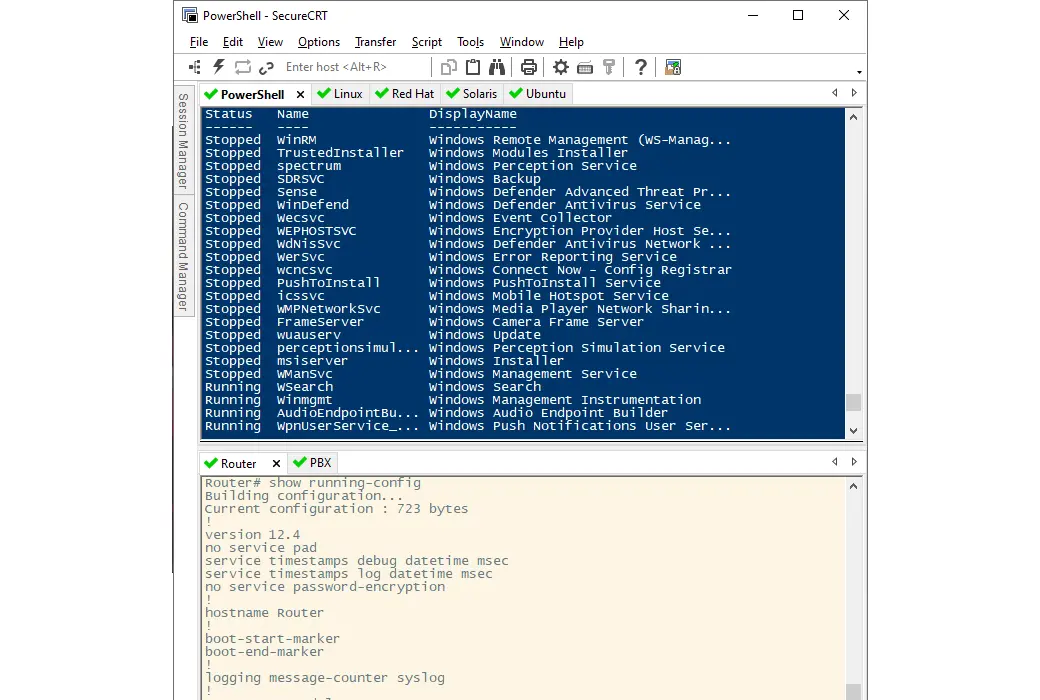
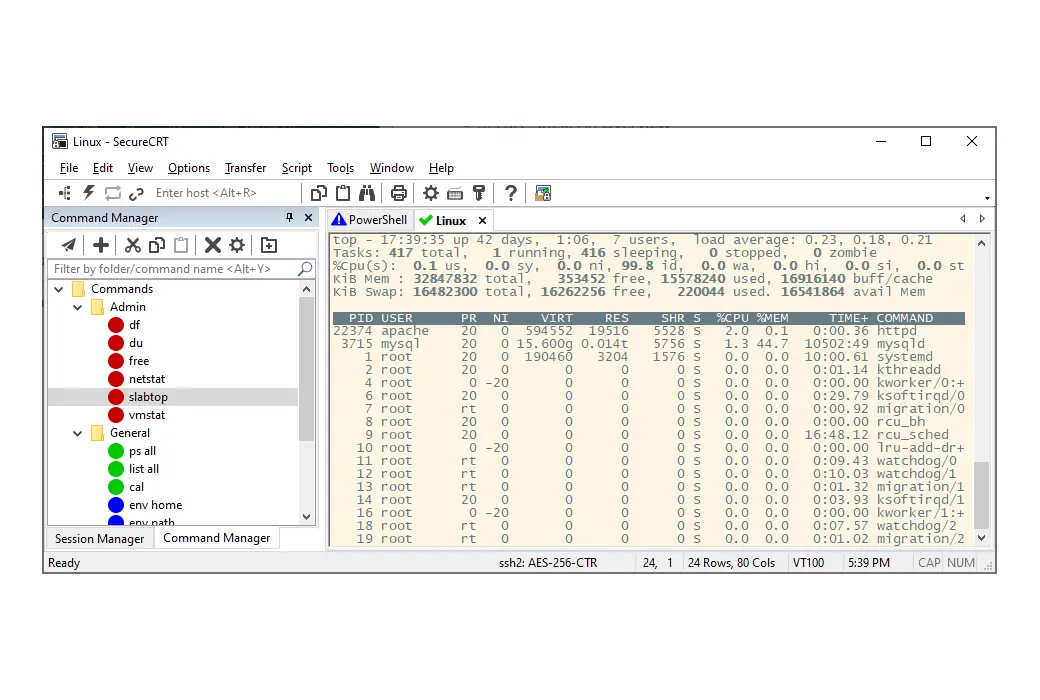
  4. Leverage a productive GUI with time-saving features, including multi-session launch, tabbed sessions, tab groups, tiled sessions, cloned sessions, button bars for repeating commands, and mapped keys.
  5. Rely on the open-standard Secure Shell (SSH) protocol for encrypted login and session data, flexible authentication options, and FIPS 140-2 approved optional ciphers.
VanDyke SecureCRT SSH Terminal Simulation Tool Software LOGO

Official Website: https://www.vandyke.com/products/securecrt/index.html

Download Center: https://securecrt.apsgo.cn

Alternate Download: N/A

Shipping Time: Orders are processed manually

Operating Platform: Windows, macOS, Linux

Interface Language: Supports English interface display.

Update Instructions: Permanent use, updates and upgrades as authorized.

Trial Before Purchase: 30-day free trial.

How to Receive Goods: After purchase, activation information will be sent to the email used for ordering. You can also view the corresponding product activation code in your personal center, under "My Orders".

Number of Devices: Can be installed on 1 computer.

Changing Computers: Uninstall on the original computer and activate on the new one.

Activation Guide: To be added.

Special Instructions: To be added.

References: https://www.vandyke.com/products/securecrt/faq/index.php

Any question

Submit
Ask a question
All Default Newest